
What is an eBook and how does it differ from a printed book?
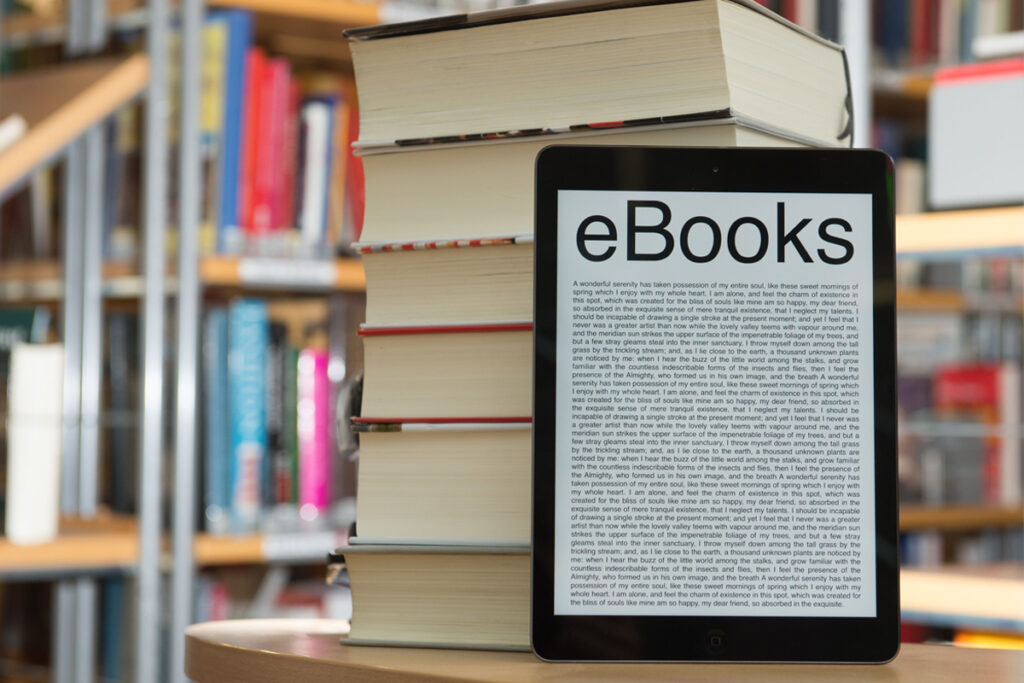
An eBook or Electronic Book, is a digital copy of a book to be read online or downloaded to an eReader or other digital device. Most eBooks do not have set pages or page numbers because they are made to be adaptable to the device they are being viewed on which means the page size and the amount that fits on a page will be different from reader to reader. What sets eBooks apart from other file types is that they are not editable or printable, they are made specifically to be viewed on a device. Unlike traditionally printed books, an eBook only needs to be made once and can be distributed as many times as you would like!
What are the most common eBook types?
There are three very different types of eBook, reflowable, fixed layout, and interactive. So how do you know which one is the right fit for your book? The answer to that usually comes down to what kind of book it is and who the audience is. Novels and memoirs make great reflowable eBooks where children’s books and cookbooks are usually better suited for fixed layout or interactive eBooks. It could also be determined by the purpose of the eBook, it doesn’t necessarily depend on image count, that is just something we use to help them decide. Popular types include:
- Reflowable eBooks
- Fixed layout eBooks
- Interactive eBooks
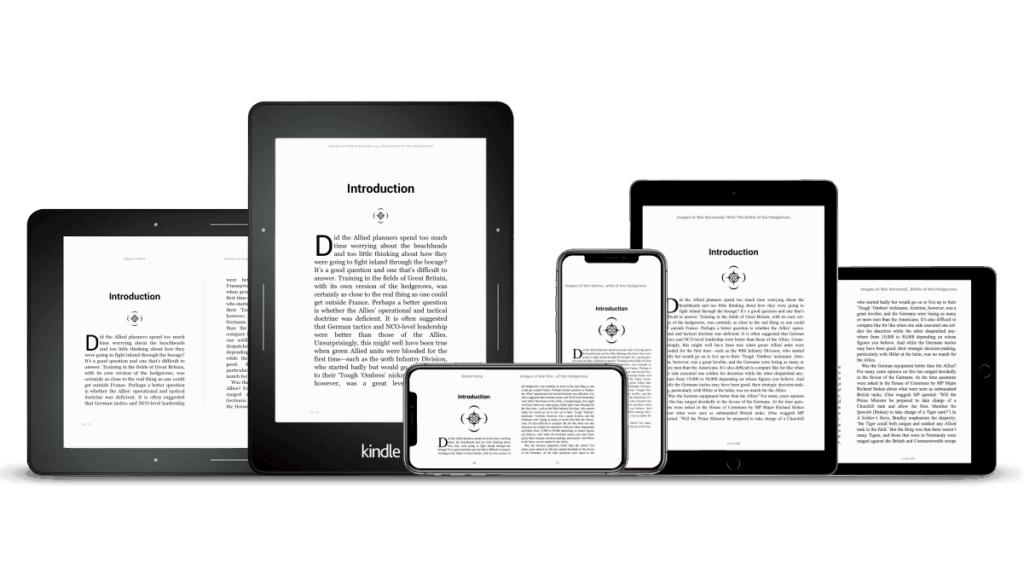
Reflowable eBooks are made to be read on eReaders like a Kindle and are adjustable to the readers screen size, font, and layout preferences. Being able to adjust the text size, spacing, and color can make the reading experience much more enjoyable and can widen your audience range to allow for people with all levels of vision to comfortably read. In order to make them adjustable the formatting needs to be broken which means that images may be moved from their original place to better fit the page space available, may show up as black and white depending on the abilities of the eReader being used, and some elements like page backgrounds may need to be removed since reflowable eBooks don’t have set pages in the same way a printed book does. This means that reflowable eBooks are best for text heavy books like novels and if the placement of the images is important to the story a fixed layout may be a better option.
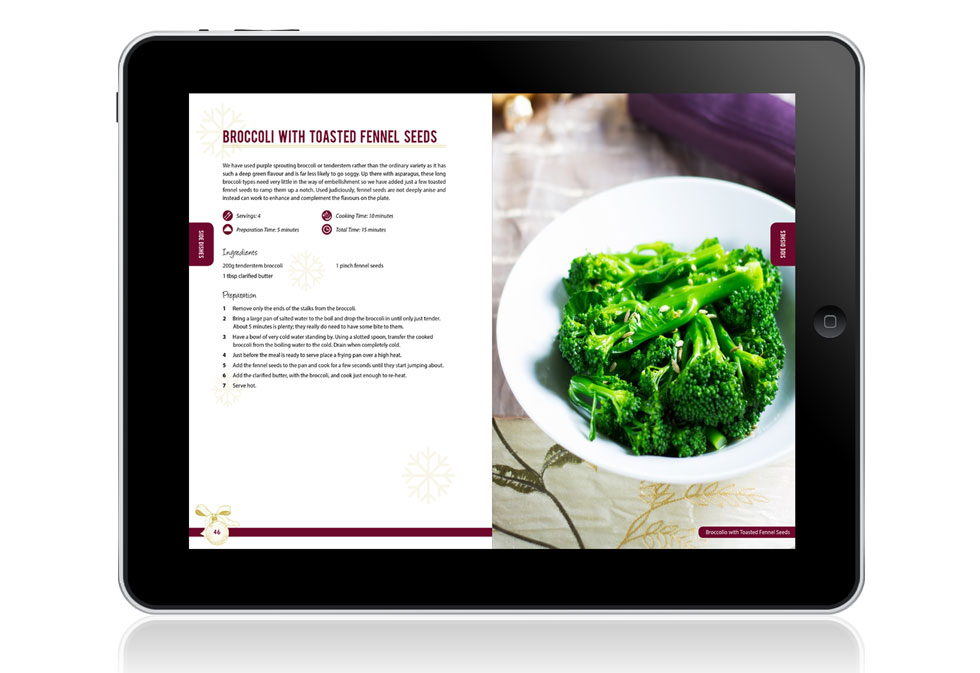
Fixed layout eBooks on the other hand lock everything on the page into place similar to flipping through a PDF. You can zoom in on a page if you need but the contents of that page will always remain the same. This makes fixed layout eBooks better for books with lots of imagery or design elements like cookbooks, how-to manuals, and memoirs or family history books.
Interactive eBooks are another great option for children’s books, cookbooks, and textbooks. They can include clickable links, videos, quizzes, and even interactive diagrams which makes them ideal for textbooks. Cookbooks can even be set up so you can set how many people you are feeding and it will adjust the ingredient amounts accordingly!
eBook file types
While some eReaders can open PDFs there are two main types of eBook file, .ePUB and .Mobi files. Unlike PDFs or Word documents, eBook files can only be opened using specific eBook programs like Amazon Kindle, Adobe Digital Editions, Calibre, and Overdrive. There are eReading programs to fit any needs.
.ePUB files are the most widely used by libraries and most online eBook distributors. They can be opened using a Kindle, Kobo, Nook, or most eReader software that can be downloaded for free on your computer desktop.
Amazon required .Mobi files for both reflowable and fixed layout eBooks, however in late 2020 they began moving away from .Mobi files in favor of .ePUB which has long been the industry standard. They are still offering support for existing .Mobi eBooks but are now recommending .ePUB for all new eBooks and in 2022 began asking that .ePUB files be provided for all previously .Mobi files.
At Gorham Printing we offer reflowable eBook conversion as part of a print order or on its own. You will receive both .Mobi and .ePUB files so you can list your book for sale anywhere eBooks are sold! If you include it with a print order we can use the same files we used to print your book to make the eBook. If you are looking for eBook conversion without a print order you would get the order started by using the eBook Pricing Tool, entering your contact information, the book title, and the page count into our online eBook pricing tool, allowing the tool to lead you through checkout, and sending in PDFs for your cover and interior.
Do I need an ISBN for my eBook?
ISBN numbers are universal and can be used for both printed and eBooks. They function like a fingerprint for your book, if someone looks up the number they should find the exact version of your book they are looking for. For example, if they look up the number from a hardcover book they should only find results for the hardcover printing of that book. This means eBooks need their own ISBN number, even if the printed version of your book already has a number.
If you plan on distributing your book in multiple formats the easiest way to ensure the proper ISBN number is used is to include all ISBN numbers on the copyright page and indicate which is for which. It usually looks something like this:
- ISBN: 978-0-0000-0000-0 (softcover)
- ISBN: 978-0-0000-0000-1 (hardcover)
- ISBN: 978-0-0000-0000-2 (eBook)
Bowker creates all ISBN numbers in the United States and is the only legitimate distributor of them in the US. Numbers can be purchased directly from Bowker at MyIdentifiers.com. We DO NOT recommend buying an ISBN number anywhere else, you would be purchasing it from a reseller and since the person who purchases the ISBN number from Bowker owns it a reseller would own your ISBN. Learn more about ISBN numbers here!

Best strategies for selling your own eBook
Listing your new eBook for sale varies depending on the bookstore but usually starts with creating an account with them, preparing your files or confirming they are ready to sell and fit within the seller/bookstore’s file requirements, uploading your book, deciding on a price, and hitting publish!
Here is how to sell your eBook with Amazon Kindle, Barnes & Noble, Google Play Books, and Apple Books.
Amazon Kindle:
- Enter Book Details – Your book title, subtitle, author name, ISBN number, and if it is part of a series the series information.
- Upload and Preview – Upload your files and preview it to see exactly how it will look on a Kindle.
- Set Rights and Pricing – Set your book’s price
Barnes & Noble:
- Pick Your Format – Choose whether you would like this book to be printed or an eBook.
- Prepare and Upload Your Files – Prepare your files for publication. They can even help you with the formatting!
- Sell Your Book – Become a vendor, hit Publish, and watch for your book to appear on the Barnes & Noble website.
Google Play Books:
- Create an Account
- Publish Your Book – Upload your content, set your prices, and select the countries to sell in with just a few clicks
- Promote Your Book – Encourage readers to purchase books by linking to the Google Play Books store in your promotions. Grow your audience with promo code campaigns.
Apple Books:
- Sign up for iTunes Connect, a web-based tool from Apple that allows users to manage their content and distribute it to customers on the iTunes Store and Apple Books Store.
- Choose your publisher type. – Even if you’re an independent author, you’re a publisher. When you see the choice of Publisher Type, choose Individual if you’re representing yourself or if you’re a sole proprietor, and choose Organization if you’re registered as a company or some other type of organization.
- Check your email and agree to the Terms & Conditions
- Provide tax and banking information.
So, is an eBook right for you?
Consider this, turning your book into an eBook opens the door to flexible reading formats and new opportunities to reach readers across countless platforms. By understanding the different eBook types, file formats, and ISBN requirements—as well as the steps involved in listing your book for sale—you can confidently navigate the digital publishing process. Whether you choose a reflowable, fixed layout, or interactive design, creating an eBook ensures your work is accessible, adaptable, and ready to meet readers wherever they are. The possibilities are endless when your book can instantly be delivered to readers all over the world!